iJewel SDK
We offer you the future of jewelry presentation.
Designed for jewelry and watch designers, retailers and manufacturers, our Software Development Kit (SDK) offers features that help produce high-quality, interactive 3D images of your creations online.
Why Choose Our SDK?
We have tailored our products for the jewelry industry. You do not need deep knowledge of 3D graphics to display brilliant 3D interactive images of your creations online. Add a plugin and everything else is done for you. With real-time rendering, customizable lighting, and advanced shadow effects, you can create captivating and realistic displays for your audience.
Easy Integration
Seamlessly integrate with your existing systems.
Tutorials
We provide in-depth tutorials to help you integrate the plugins and teach you how to use them.
User-Friendly
Designed for ease of use, even for those new to 3D rendering.
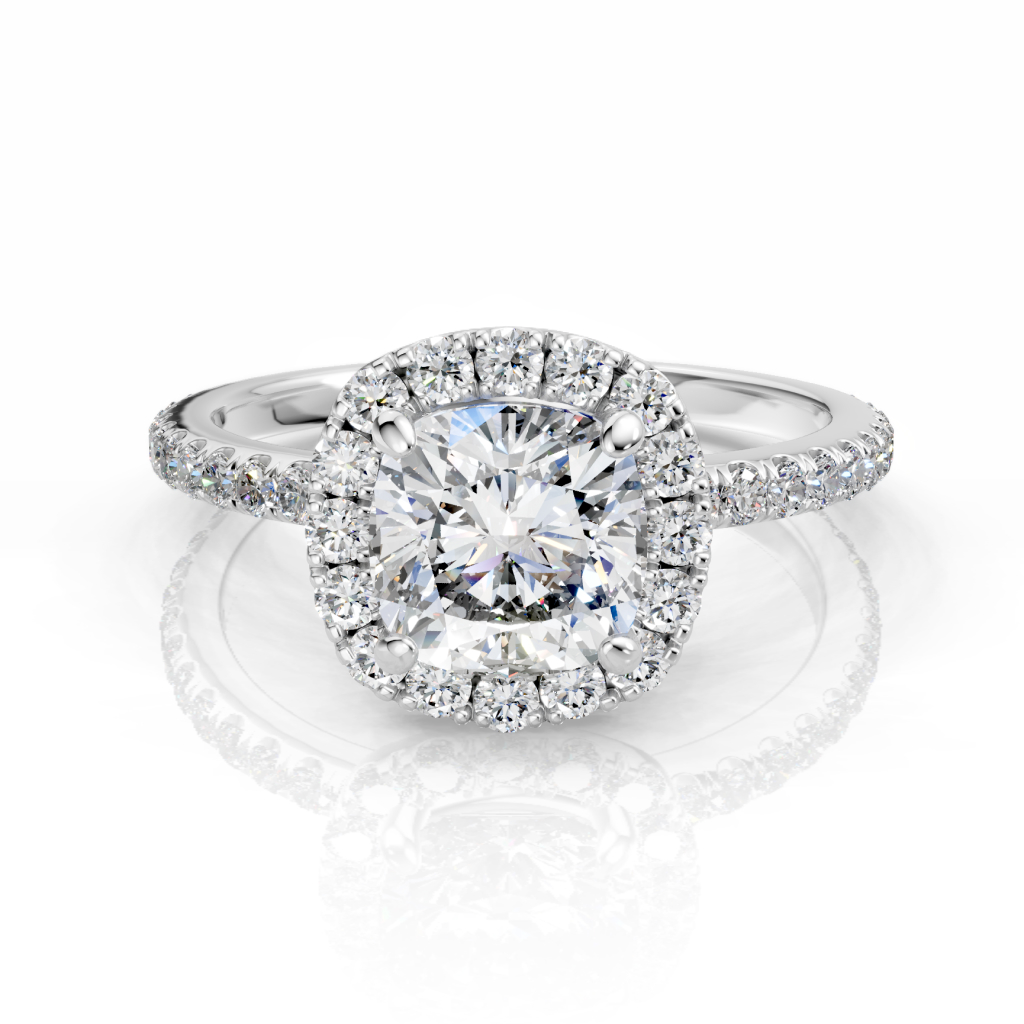
Diamond Plugin
What It Does: Captures every detail of diamonds and refractive objects and shows it in real-time.
Why It's Useful: Makes your digital jewelry look very realistic and shiny, capturing the sparkle and clarity of real diamonds and gems, with inclusions to simulate ruby, sapphire, and similar gemstones.
Learn more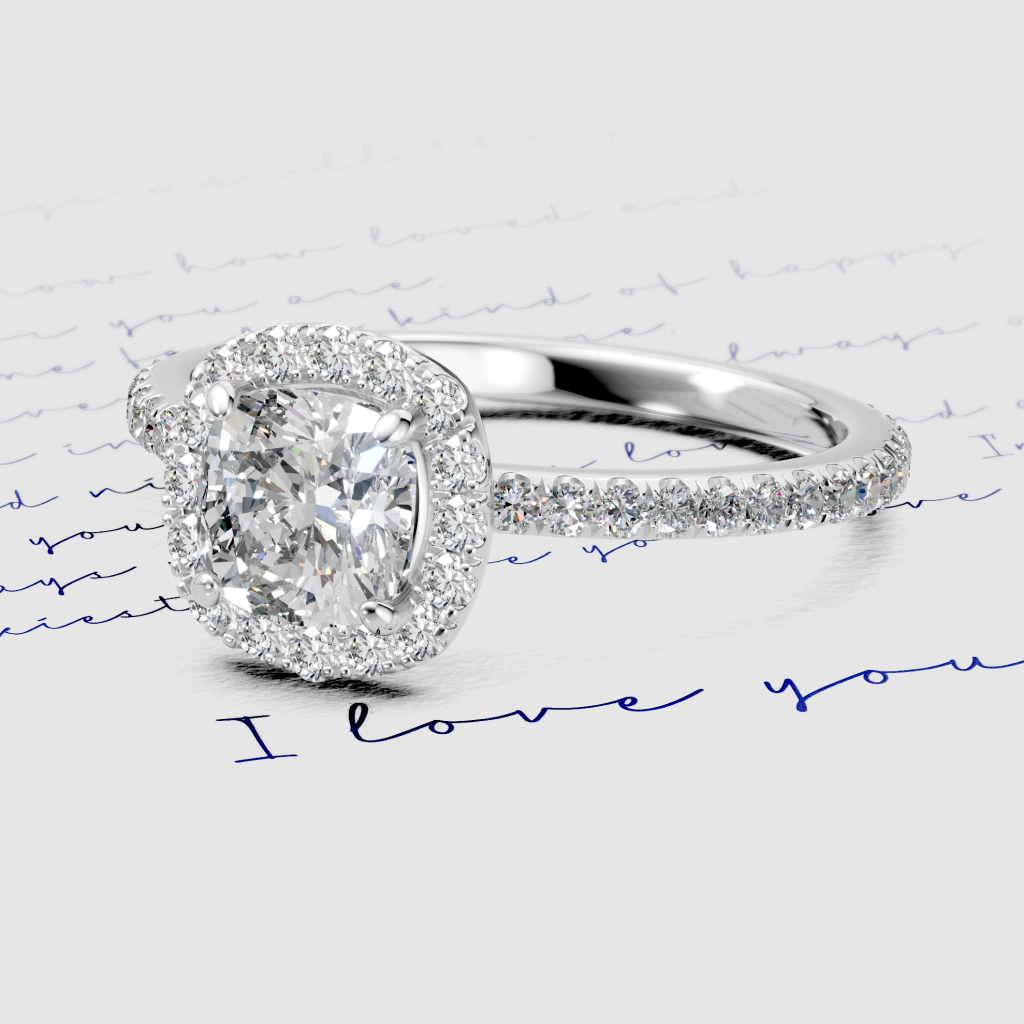
Ground Plugin
What It Does: Adds realistic, subtle shadow effects and enhances the depth of reflective surfaces.
Why It's Useful: Creates a natural setting for your jewelry, enhancing its appeal by making it look like it's placed on a real surface.
Learn more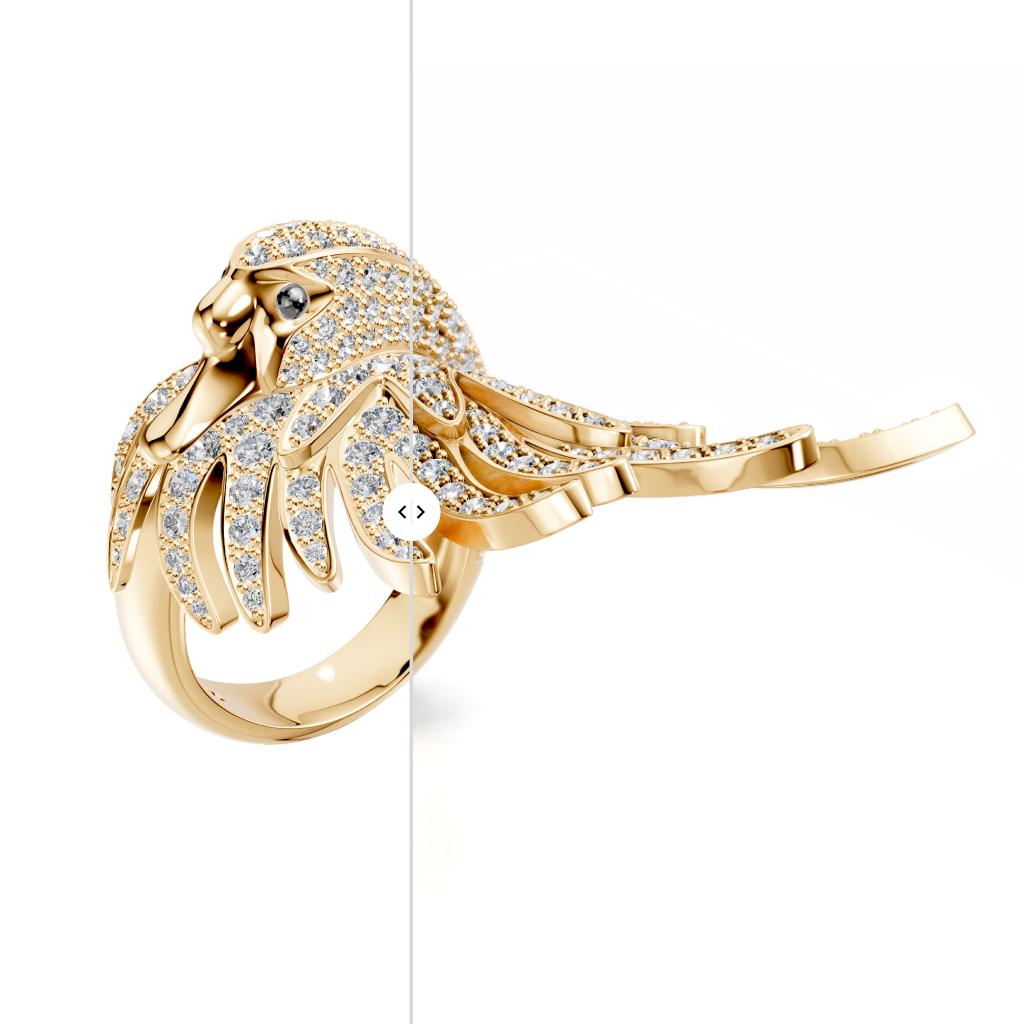
Photorealistic rendering/effects
What It Does: Projects HDR lighting onto a flat ground, and helps achieve uniform lighting conditions.
Why It's Useful: Ensures consistent, high-quality lighting and reflections for your jewelry, making it look more vibrant and appealing.
Learn more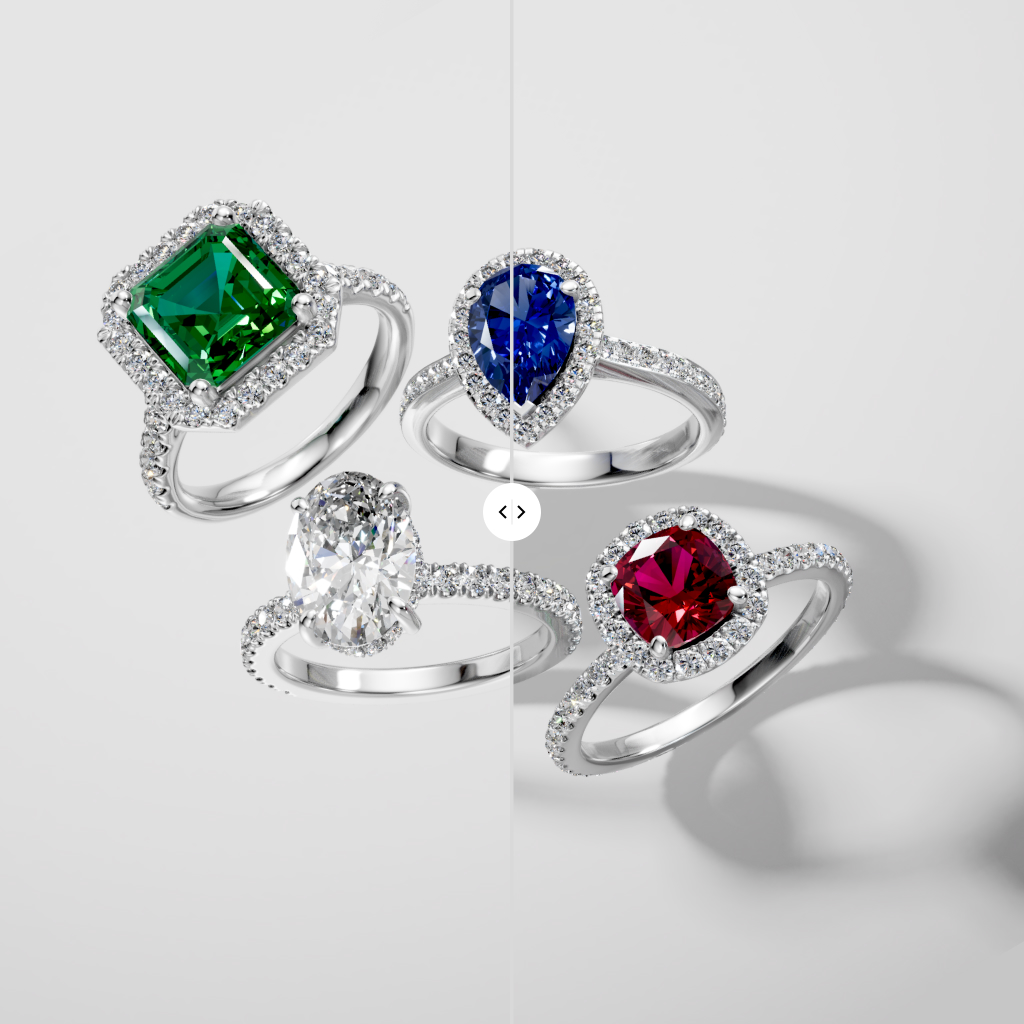
High Quality Shadows
What It Does: Creates soft, natural shadows by slightly varying the light direction.
Why It's Useful: Adds a realistic touch to your jewelry by avoiding harsh, unnatural shadows, making the lighting look more like real life.
Learn more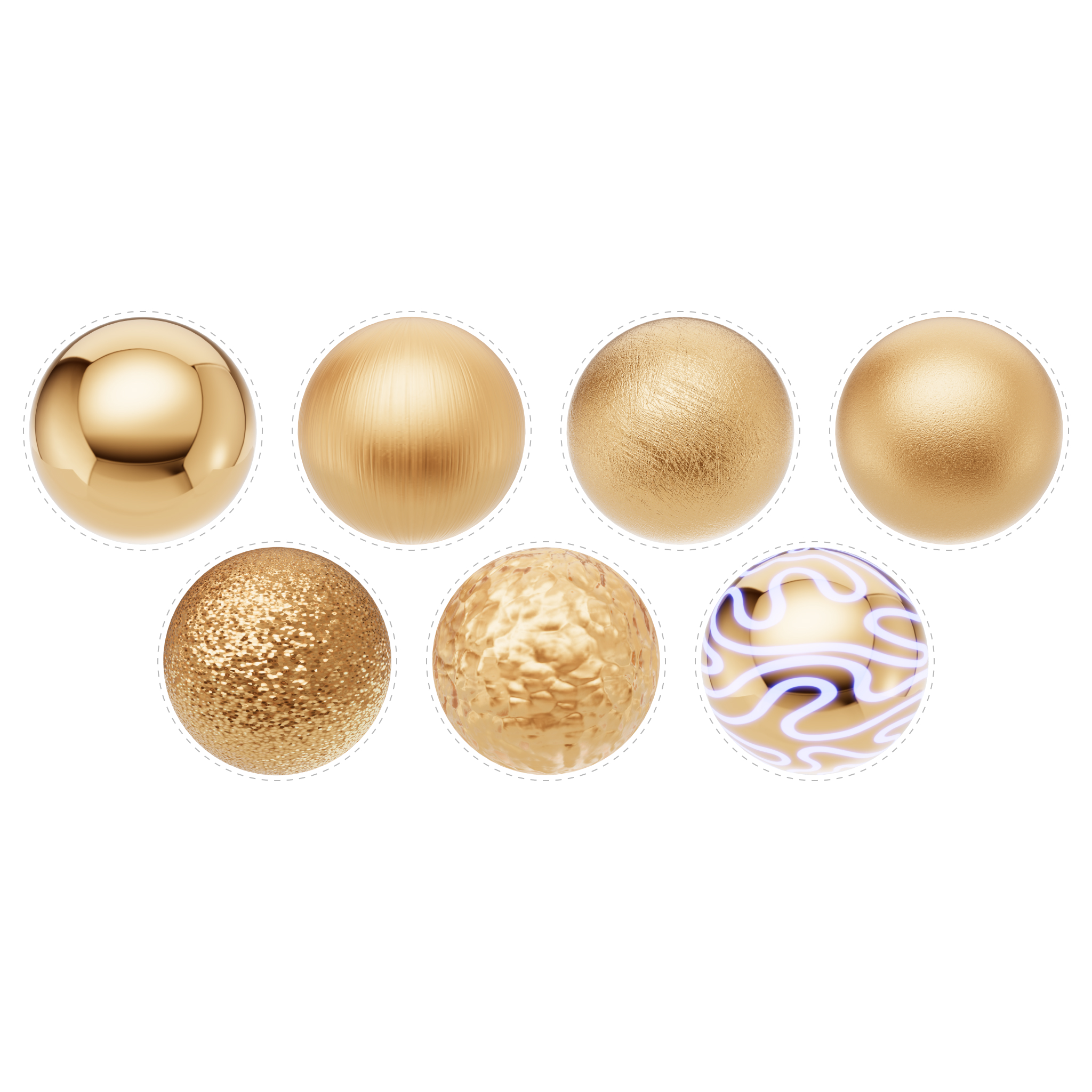
Asset Manager and Material Presets
What It Does: Manages assets such as 3D models, textures, and other media files.
Why It's Useful: Simplifies the organization and access to various assets, ensuring smooth workflow and efficient resource utilization.
Learn more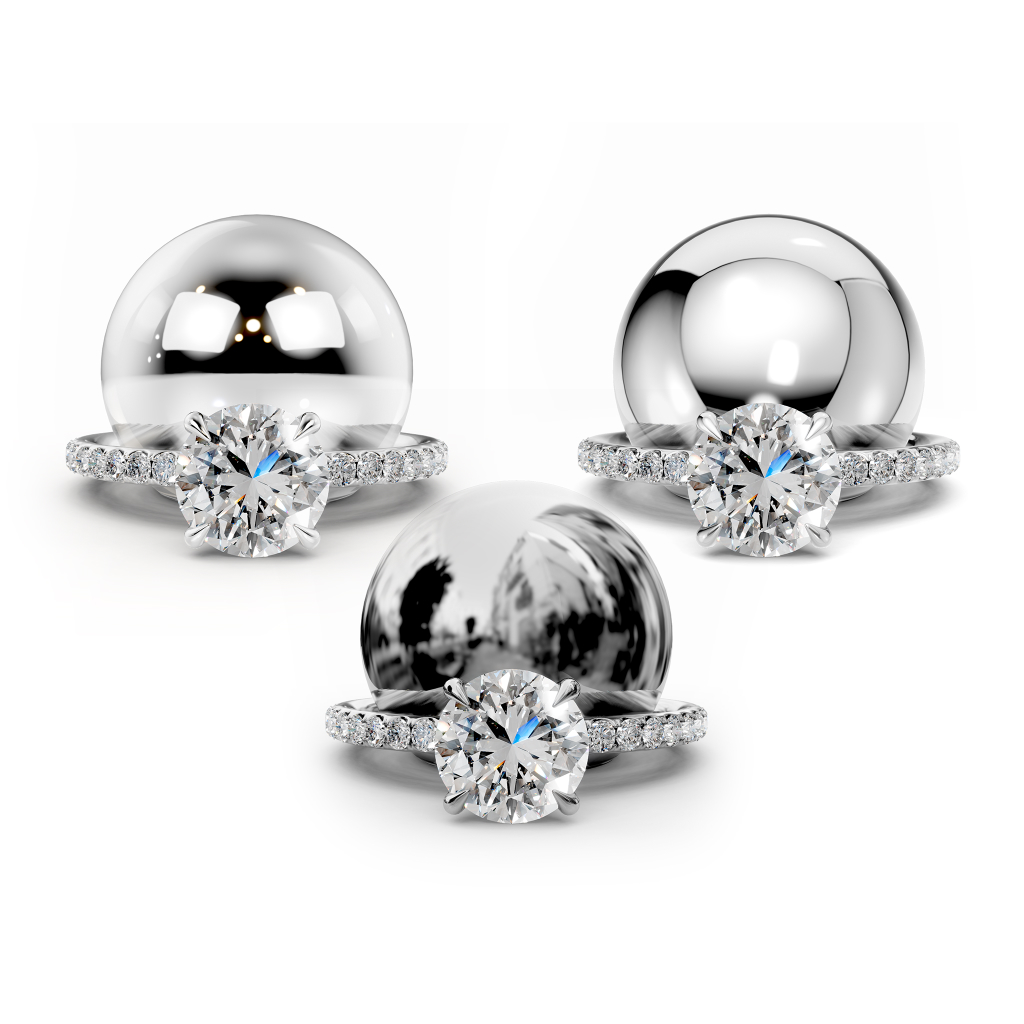
Background / Environment assets, UI and presets
What It Does: Provides UI controls for changing viewer backgrounds and environment maps.
Why It's Useful: Allows users to customize the visual environment of their scenes easily.
Learn more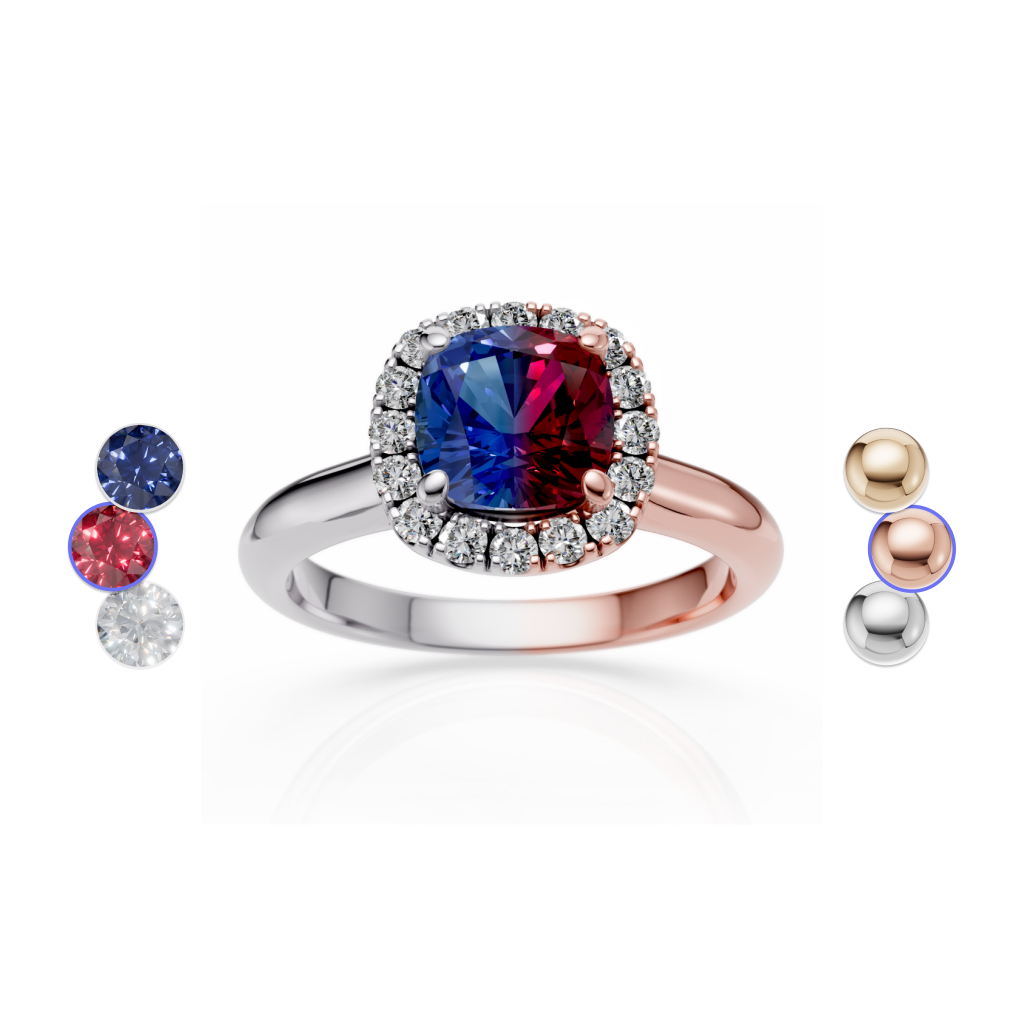
Material Configurator Plugin
What It Does: Manages material configurations, serialization, and snapshots for material configurators.
Why It's Useful: Streamlines the creation and management of customizable material options for products.
Learn more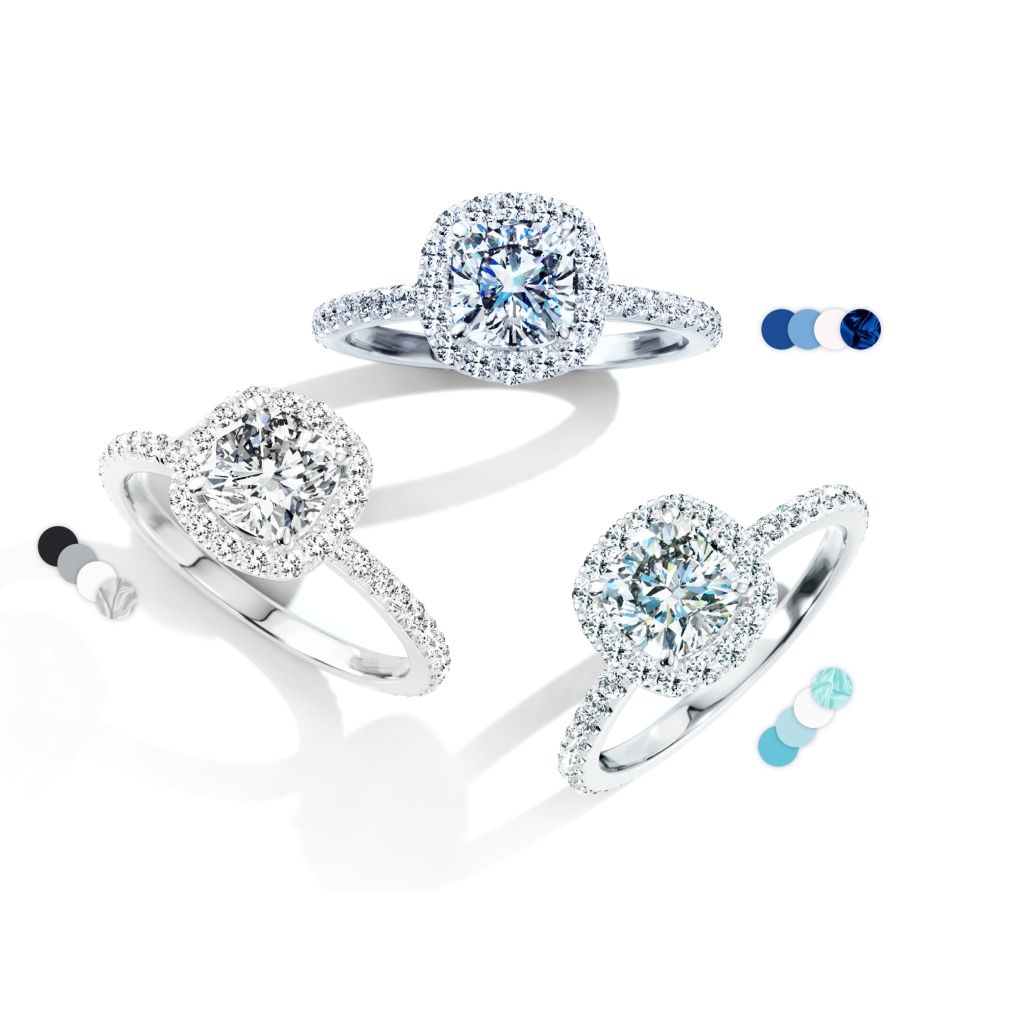
Post effects/screen filters
What It Does: Manages material libraries for easy access and organization.
Why It's Useful: Provides a centralized repository of materials for efficient reuse and consistency across projects.
Learn moreGet in Touch
Follow our product updates on social media


Ready to leverage iJewel SDK and bring your jewelry concepts to life?
We offer you the future of jewelry presentation.